



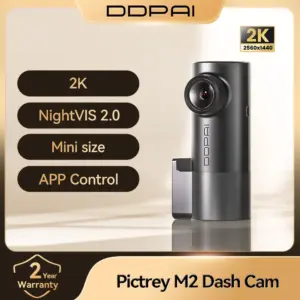
2K Pictrey M2 Dash Cam – Voice Control, Night Vision, DVR
18 products sold in last 18 hours
Selling fast! 1 person has in their cart
26 people are viewing this right now
- Estimated Delivery : Up to 4 business days
- Free Shipping & Returns : On all orders over $200
Product Specifications
General Information
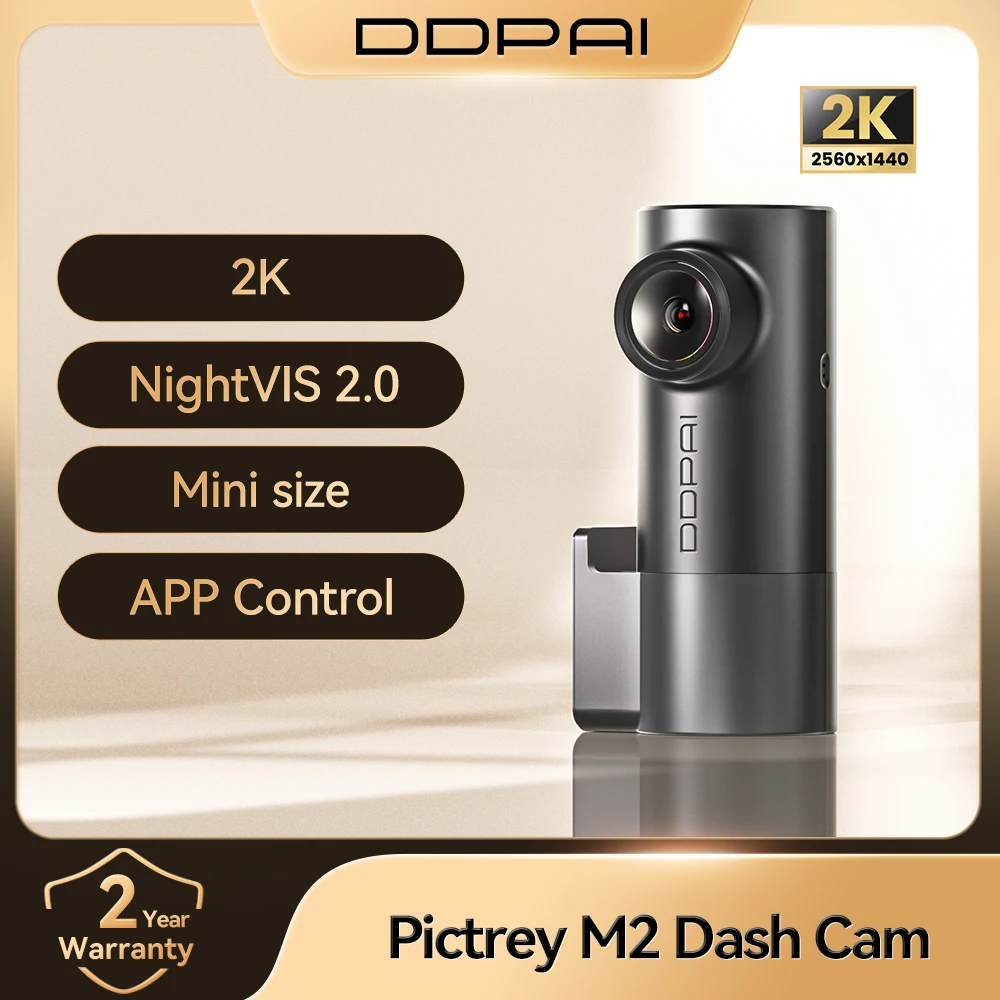
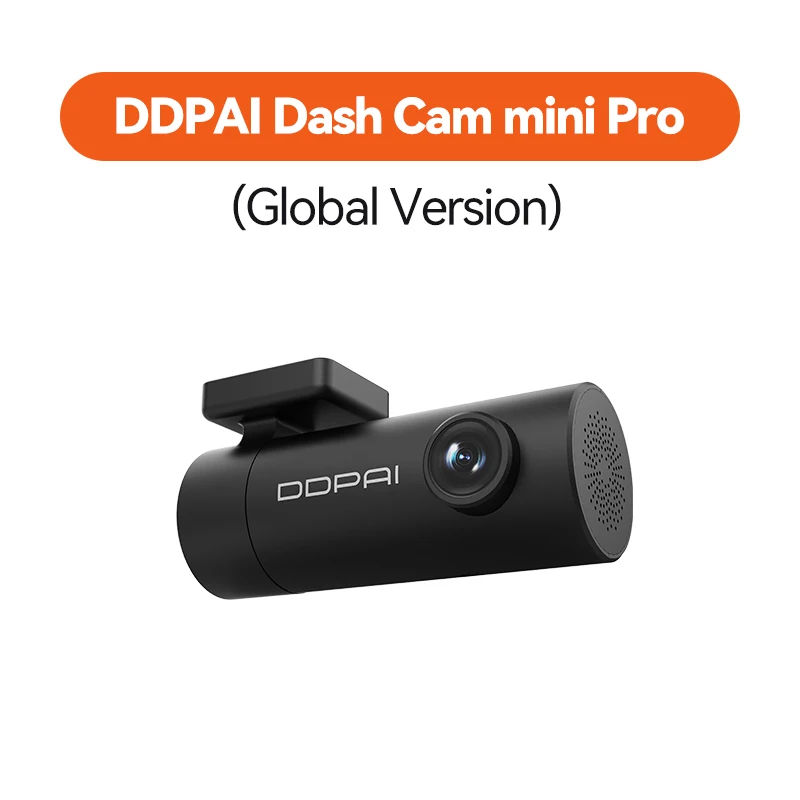
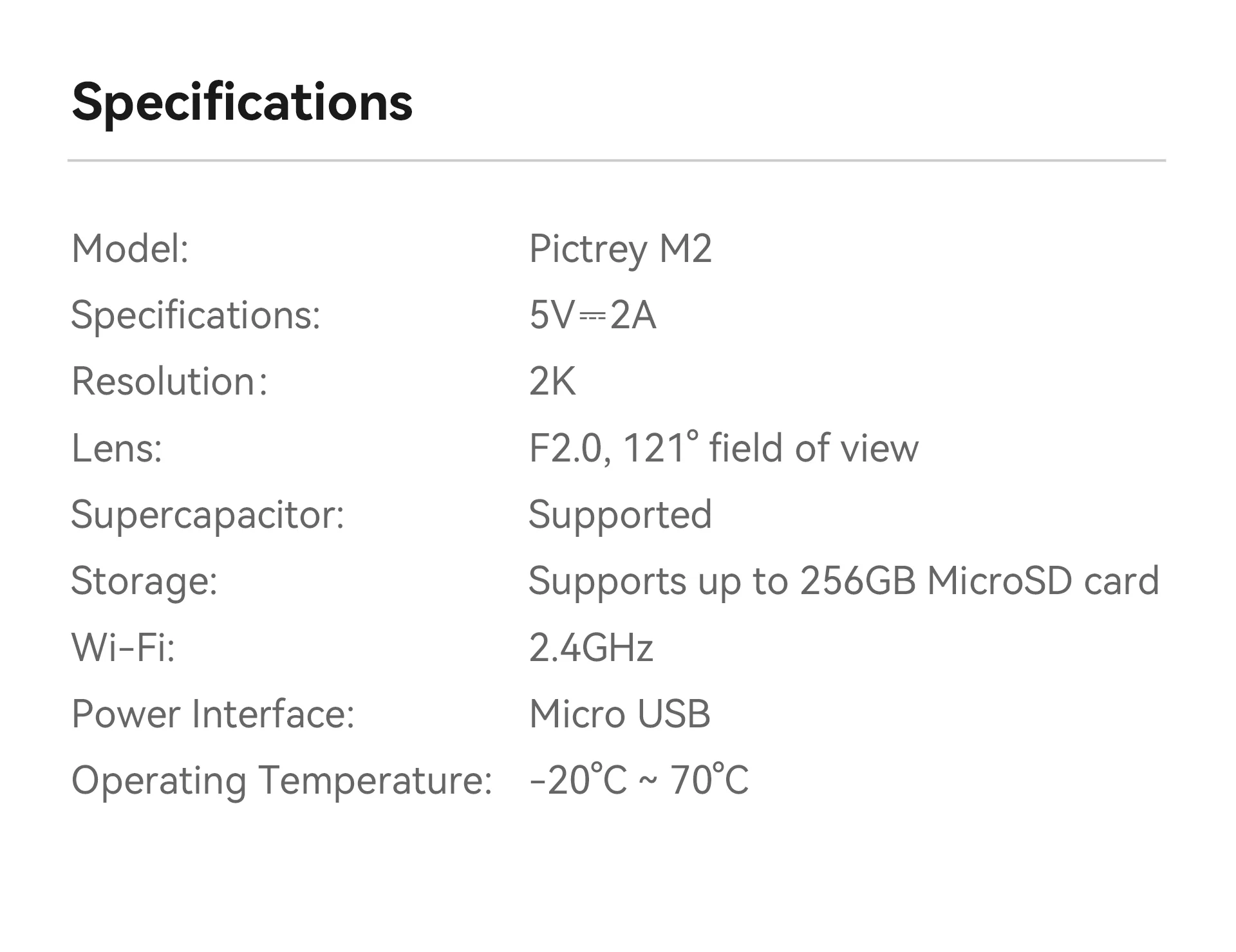
- Brand: DDPAI
- Model: M2
- Category: Car Dash Camera (DVR)
- Design: Portable / Compact Recorder
- Installation: Easy windshield mounting
Video & Imaging
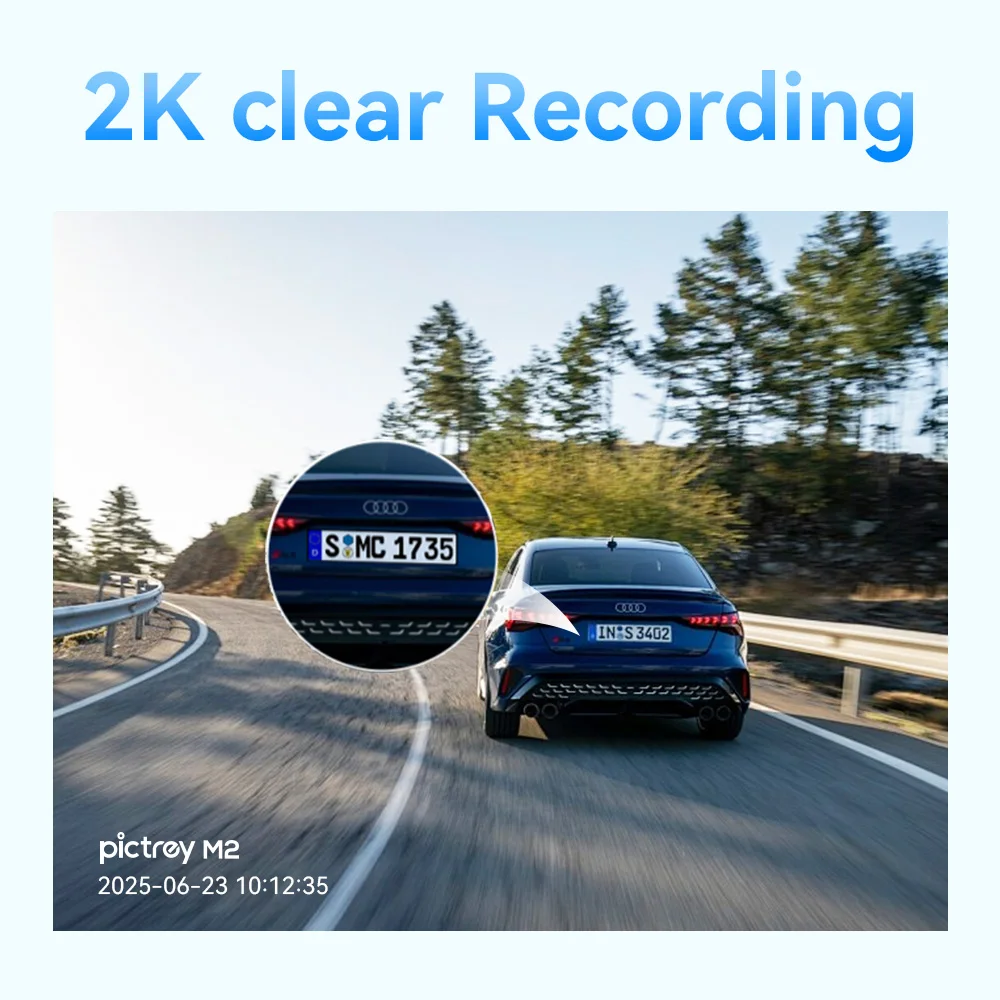
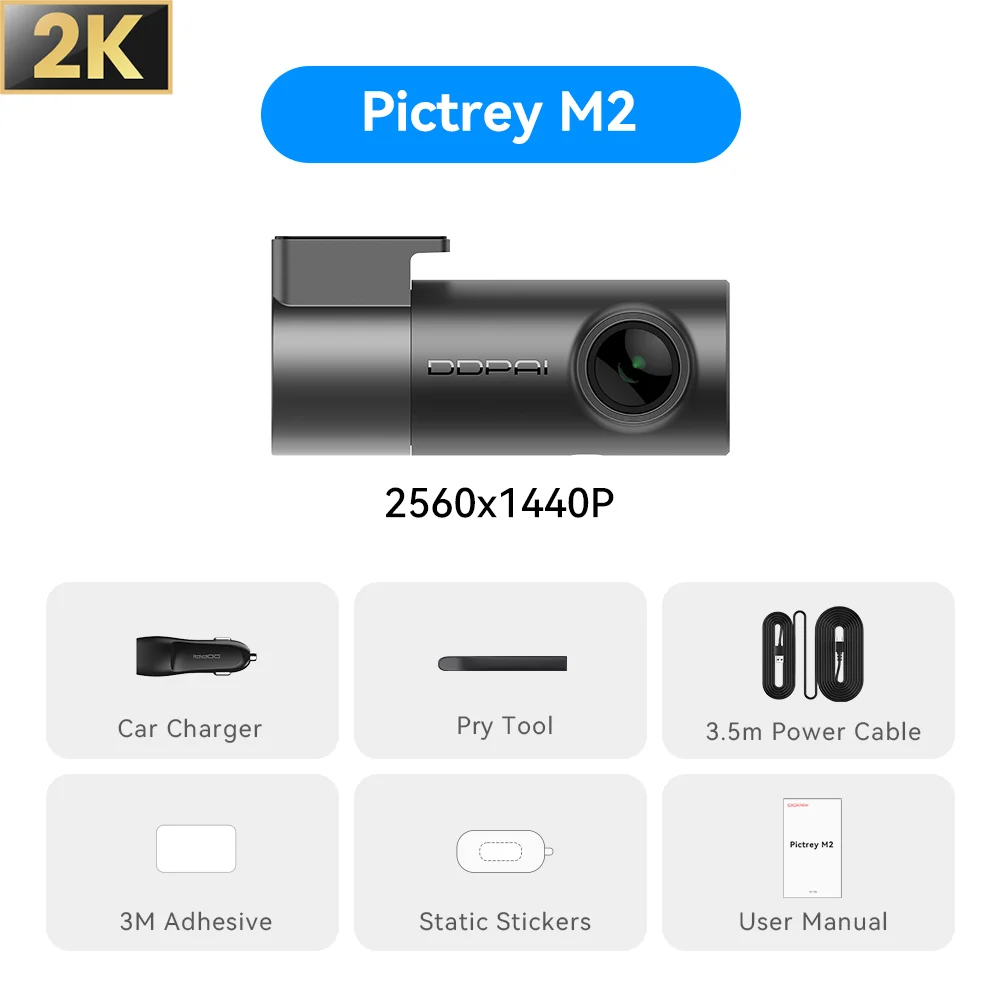
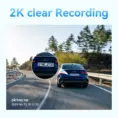
- Resolution: 2560 × 1440 (2K QHD)
- Frame Rate: 30 FPS
- View Angle: 121° Wide Angle
- Chipset: HiSilicon Processor
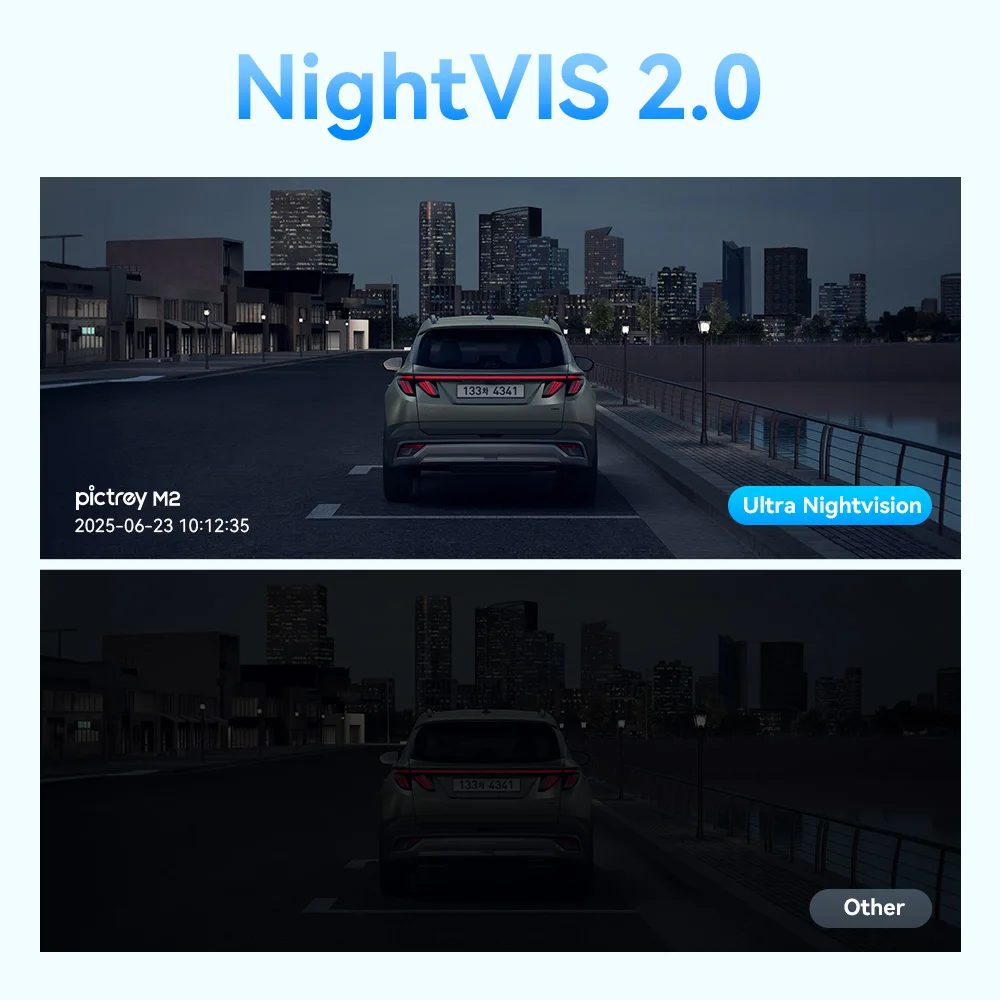
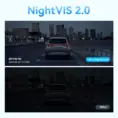
- Night Vision: Supported
Recording Features
- Loop Recording: Supported
- Parking Monitor: Supported
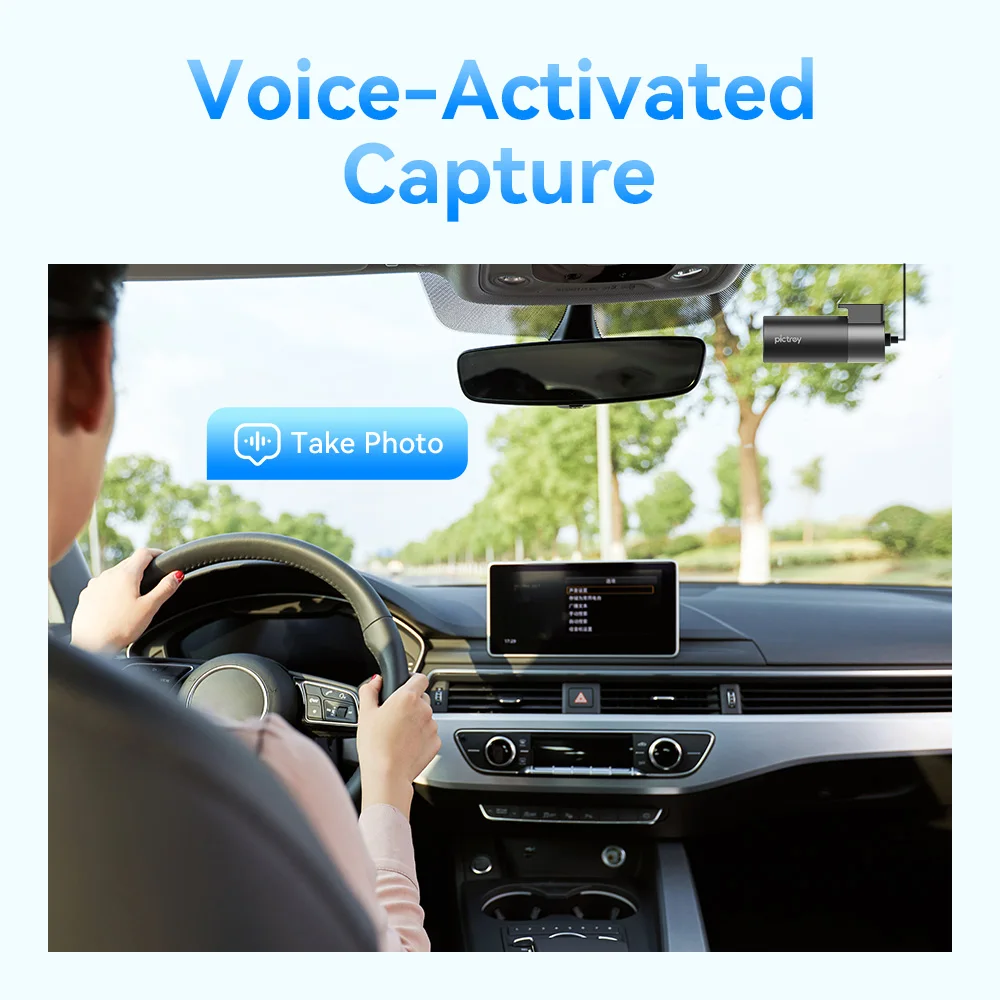
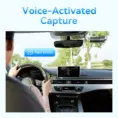
- Voice Control: Supported
- Emergency Recording: Supported
Storage
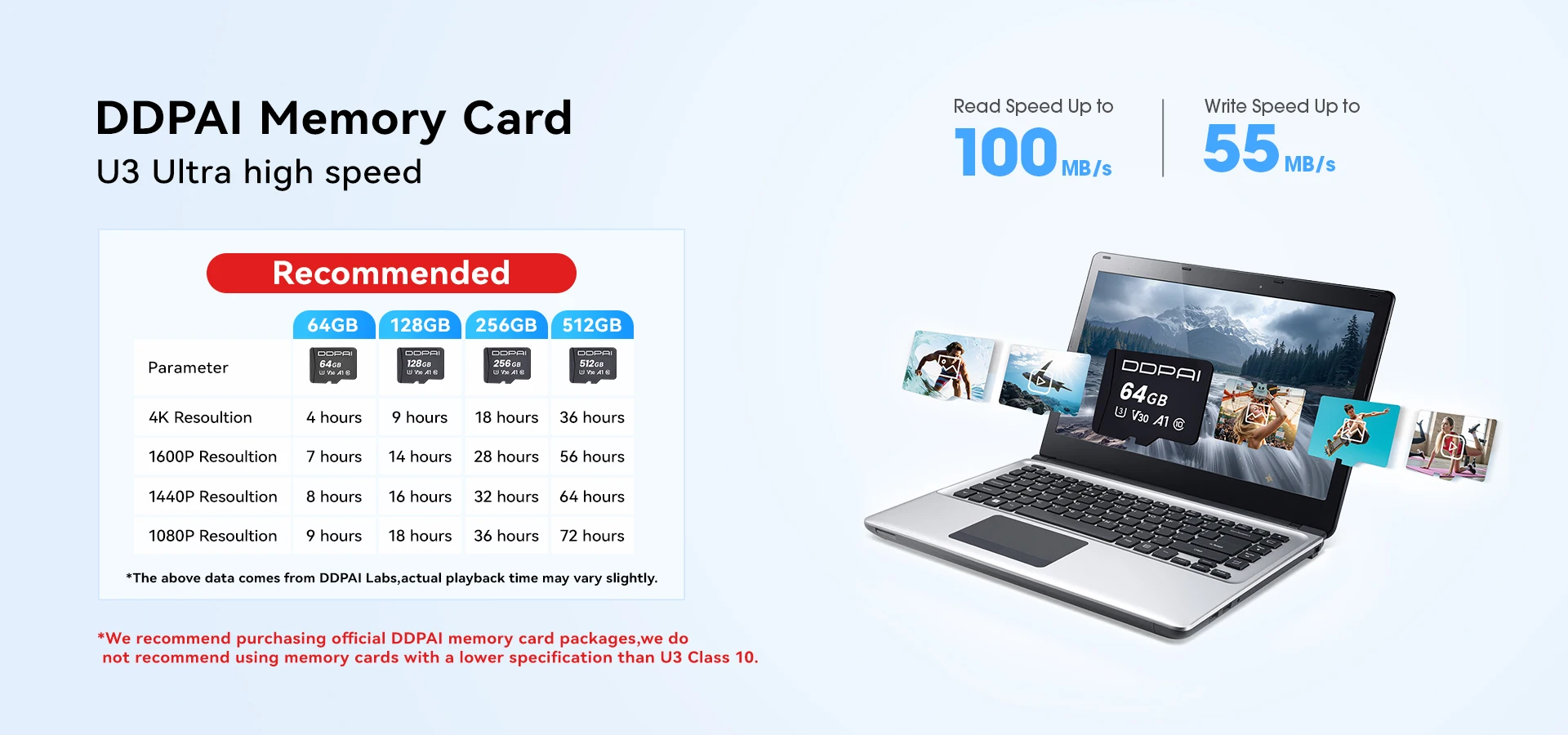
- Max Memory Support: Up to 256GB
- Required Card Speed: Class 10 MicroSD (not included)
Design & Build
- Built-in Screen: No (App-based viewing)
- Touch Screen: No
- Weight: 0.26 kg
- Compact & Lightweight Design
Connectivity
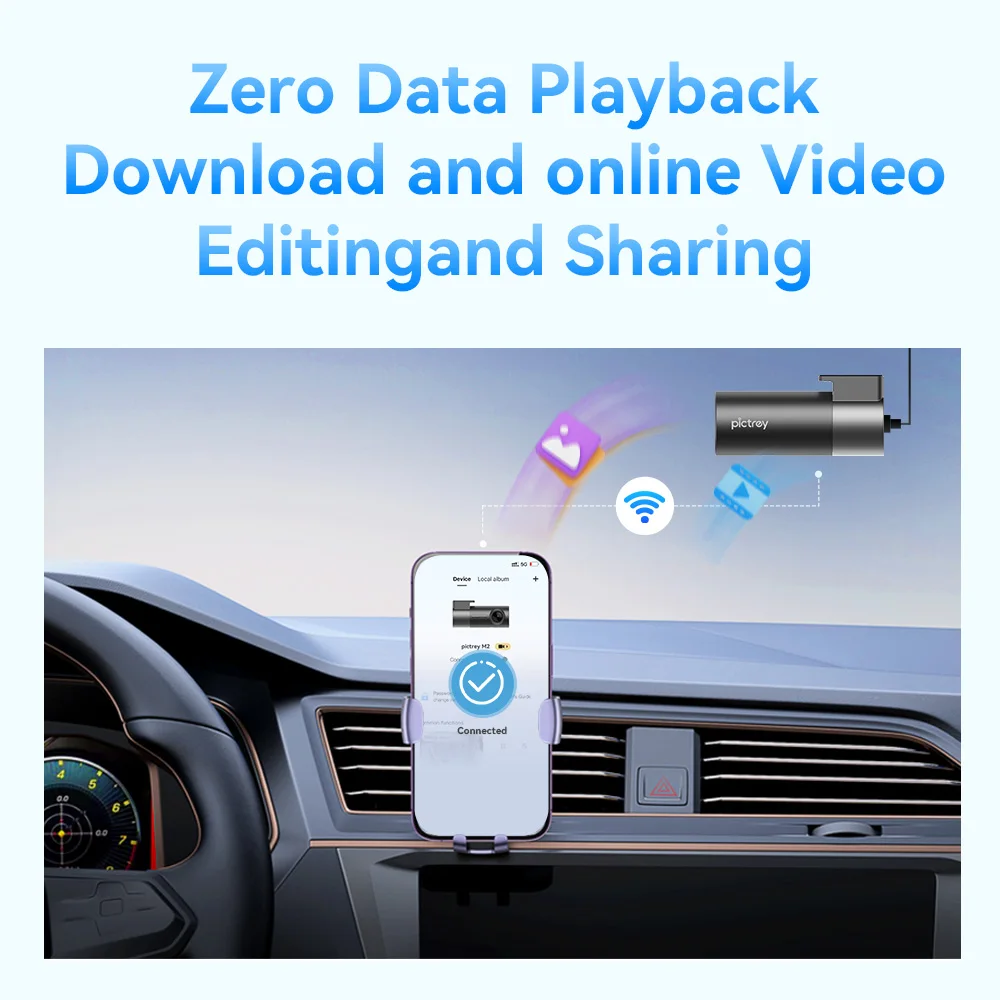
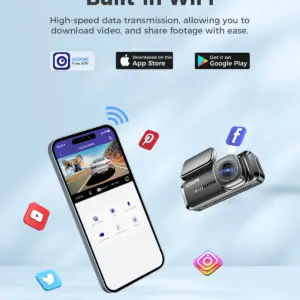
- WiFi / App Control: Supported (model dependent)
- GPS: Not specified
Power & Operation
- Power Source: External (Car Power)
- Battery: Not Included
Languages Supported
English
Certification & Safety
- Certification: CE, FCC, RoHS
- Warranty: 1 Year
- High-Concern Chemicals: None
What’s Included
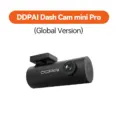
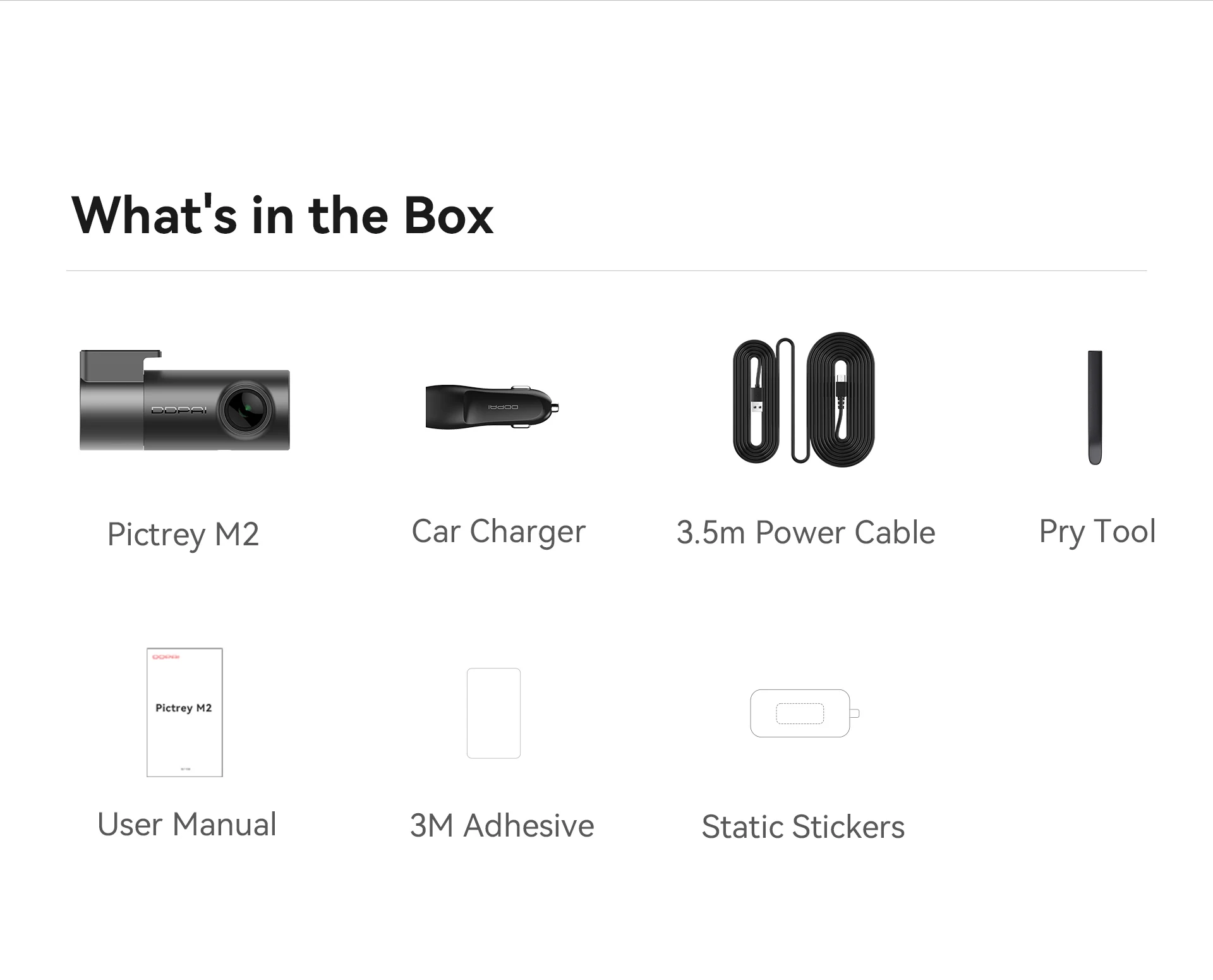
- Dash Camera (DDPAI M2)
- Power Cable
- User Manual
- Original Packaging
💡 Why Choose Pictrey M2 / DDPAI
✔ 2K QHD high-resolution recording
✔ Compact and discreet design
✔ Voice control & smart features
✔ Parking monitor for extra protection
✔ Reliable performance with HiSilicon chipset


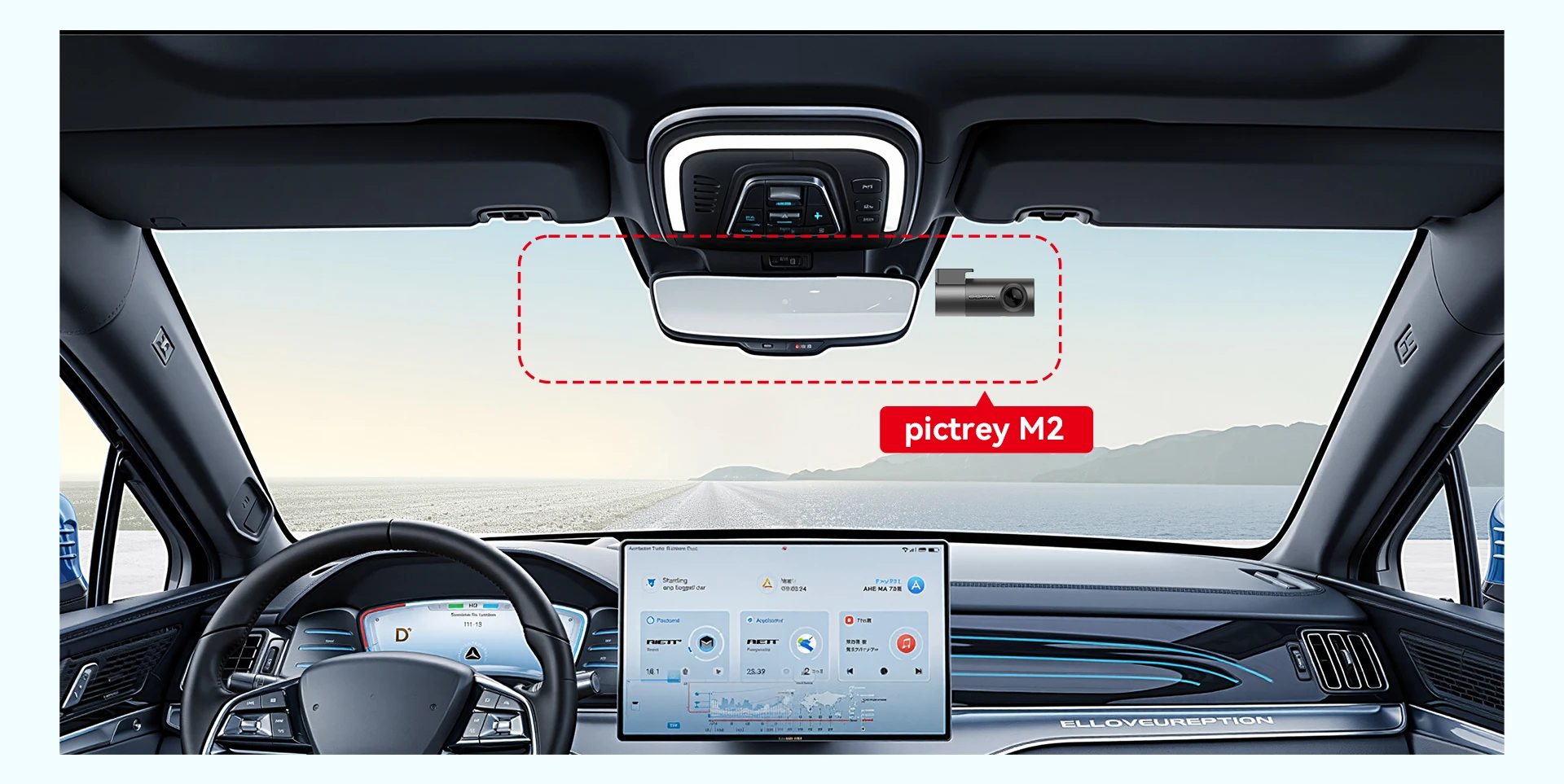
🔧 Installation Guide
📍 Recommended Installation Location
- Install the dash cam on the front windshield
- Place it in the dotted/shaded area near the rearview mirror
- Adjust position based on:
- Your vehicle type
- Your driving habits
- Clear forward visibility
👉 This ensures the best recording angle without blocking your view
🛠️ Step-by-Step Installation
- Choose the Position
Select the ideal spot on the windshield - Apply Electrostatic Film
- Stick the anti-static (electrostatic) film first
- Helps protect the glass and improves adhesion
- Install the Mount/Bracket
- Attach the bracket securely onto the film
- Attach the Dash Cam
- Connect the camera to the bracket
- Fix it firmly in place
- Position the Camera
- Align it within the marked area for optimal view
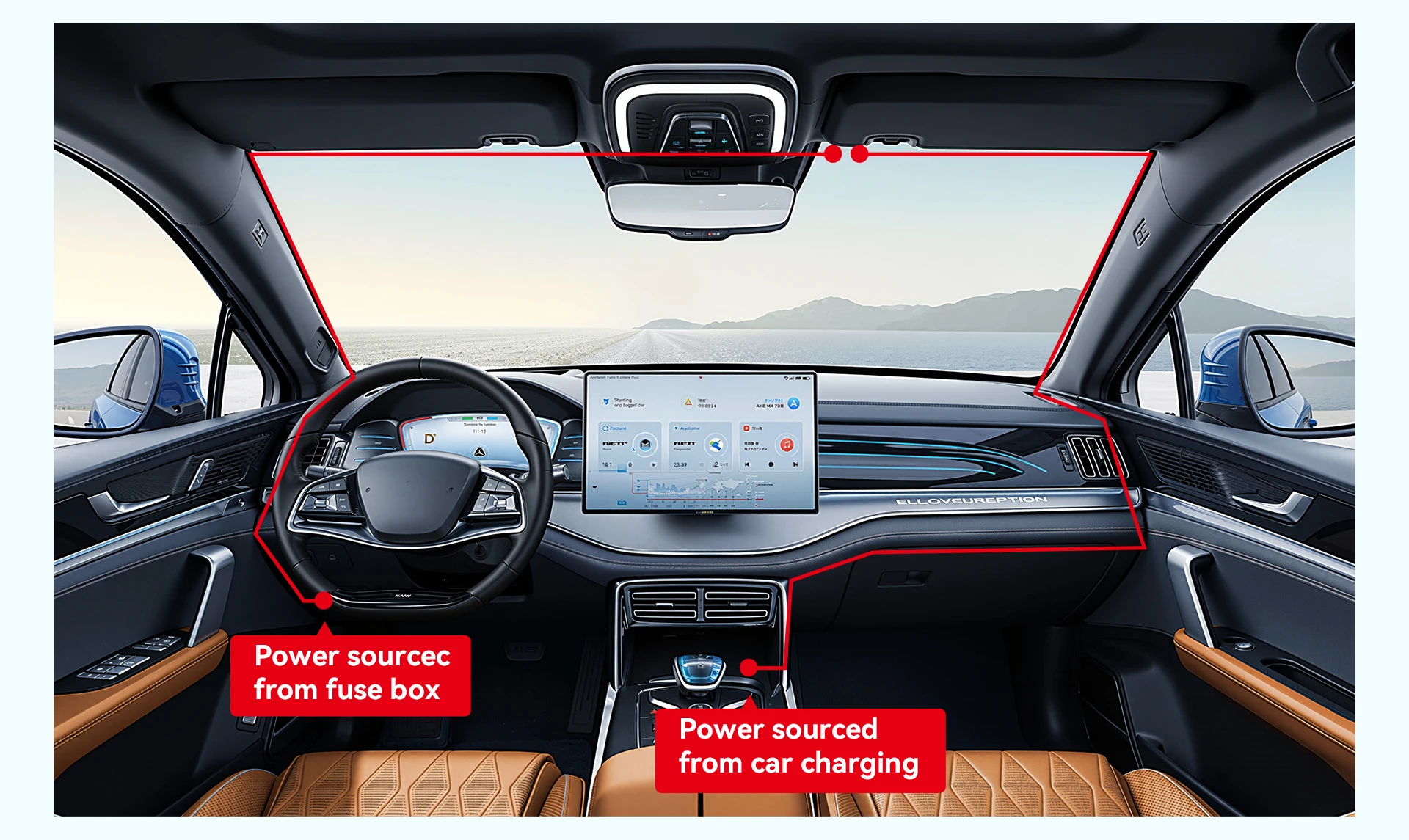
🔌 Cable Routing & Power Setup
- Connect the power cable to the dash cam
- Route the cable along the edge of the windshield
- Guide it down toward the cigarette lighter (12V socket)
- Plug in the charger to power the device
👉 Keep cables neat and hidden for a clean installation
💡 Pro Installation Tips
✔ Place behind the rearview mirror for a hidden look
✔ Avoid blocking your driving view
✔ Ensure lens is centered and level
✔ Secure cables to prevent distractions
⚠️ Important Notes
- Make sure the camera is firmly attached before driving
- Use only recommended power sources
- Clean the glass before installation for best adhesion
| Color Name | Pictrey M2 |
|---|---|
| Sd Card Memory | None |
Only logged in customers who have purchased this product may write a review.








Reviews
There are no reviews yet.